

Skip to content

Hearing Carry Over

Hearing Carry-Over (HCO) allows those that can hear but have a speech disability to listen to the person called. The HCO user types conversation for the relay operator to read to the standard telephone user.

Dial 711 or 1-800-735-2989

TTY user dial the TTY number, 711 or 1-800-735-2989. A Relay Texas Communications Assistant will answer.

Type in the area code and telephone number you wish to call and type “GA” (Go Ahead.) The Communication Assistant (CA) dials the number and connects to the other party. 
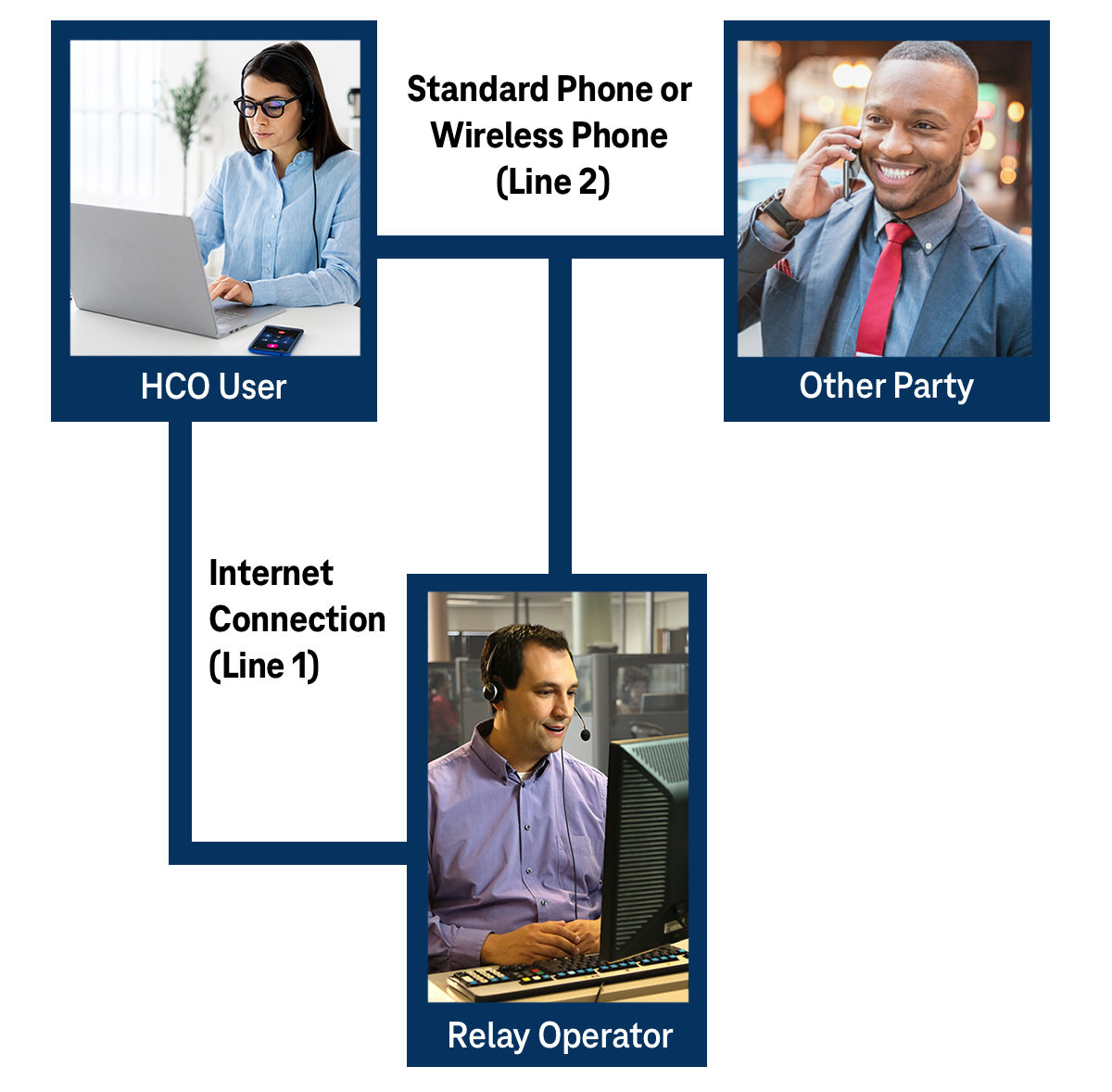
Hearing carry over (HCO) infographic

How Does HCO Work?

HCO (Hearing Carry Over) lets people with speech difficulties communicate easily over the phone. The person with hearing uses their voice to listen to the other caller and types their responses, which are then spoken aloud by a relay operator. This ensures clear, real-time conversation for both parties.

1

The HCO user types to the Communications Assistant.

2

The Communications Assistant reads aloud the typed message to the other party.

3

The other party speaks directly to the HCO user.

4

The Communications Assistant relays the other party’s spoken words by typing them back to you.


Relay Texas Customer Profile

The Relay Texas Customer Profile form allows consumers to list their preferences for calls, such as:

  • Frequently dialed numbers
  • Emergency numbers
  • Preferred gender of operator
  • Announcing relay service

As a consumer, you have flexibility in updating your preferences at any time.
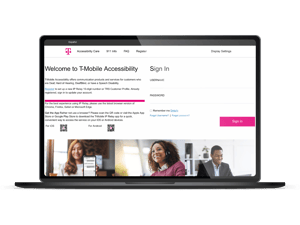
Laptop with the Customer Profile Login Page Open on it

FAQs

We want to simplify your life. In the following you see answers to some questions that might arise.


How to get started

Hearing Carry-Over (HCO) allows people who can hear but have a speech disability to type their side of the conversation while listening to the person they are calling. To get started:

  1. Make sure you have a TTY (Text Telephone) device or compatible communication software.

  2. Connect your TTY to a standard phone line.

  3. Dial 7-1-1 or 1-800-735-2989 to reach Relay Texas.

  4. Let the relay operator know you’d like to make an HCO call.

The operator will read aloud what you type to the person you’re calling and type back what they say so you can read it.

Make a phone call

To make a phone call using HCO:

  1. Dial 7-1-1 or 1-800-735-2989 to connect to Relay Texas.

  2. When the operator answers, type “HCO call please.”

  3. Type the number you want to call and include any necessary area code.

  4. The operator will dial the number and announce the call.

  5. Once connected:

    • You will listen to the other person directly.

    • You will type your responses for the operator to voice.

  6. When finished, type “GA” (Go Ahead) to signal it’s the other person’s turn to speak.

  7. To end the call, type “SK” (Stop Keying) or tell the operator you’re done.

HCO Call Types

  • HCO to TTY: You type to the TTY user, and the relay operator voices the TTY user’s typed responses.

  • HCO to HCO: Both users type their side of the conversation, and the operator voices both sides so each party can hear.

For assistance or questions, call 7-1-1 or 1-800-735-2989 and ask for Relay Texas HCO support.


How to register

You don’t need to register to make HCO calls through Relay Texas, but registration may be helpful for faster service and better personalization. Visit the Customer Profile Page for more information.

Equipment Distribution

Texas residents may be eligible to receive financial assistance for the purchase of a specialized assistive equipment or services through the Specialized Telecommunications Assistance Program (STAP).