
Customer Profile

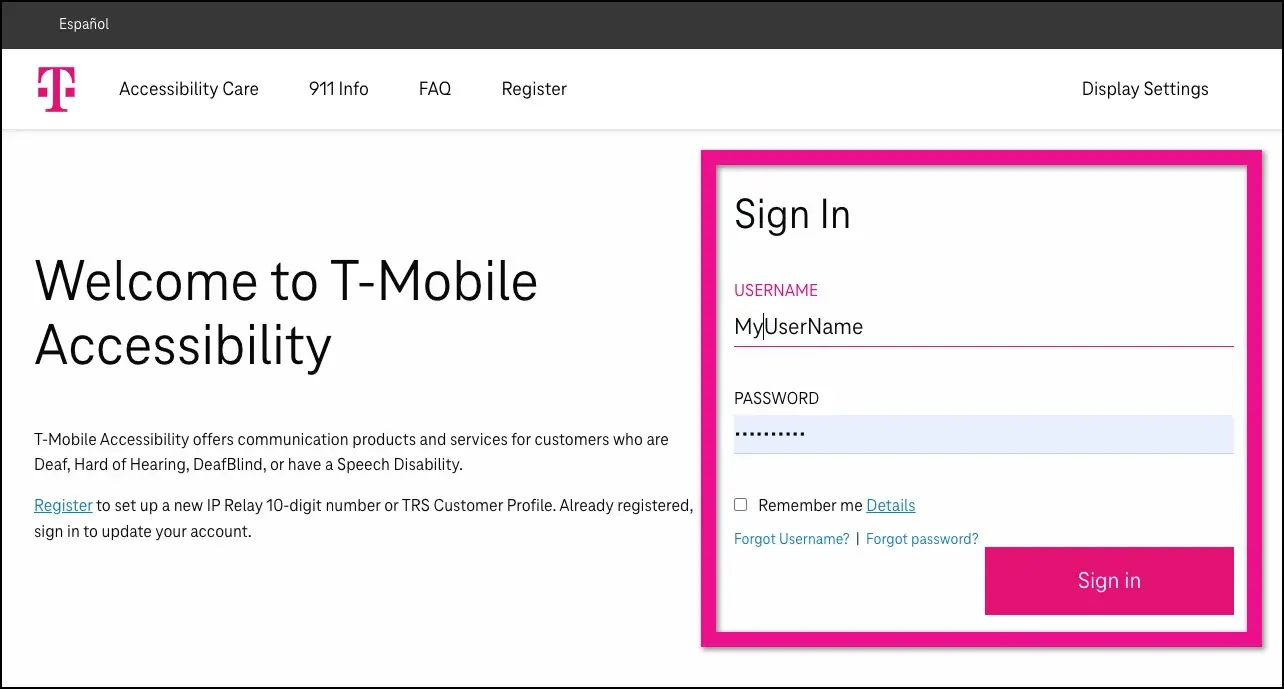
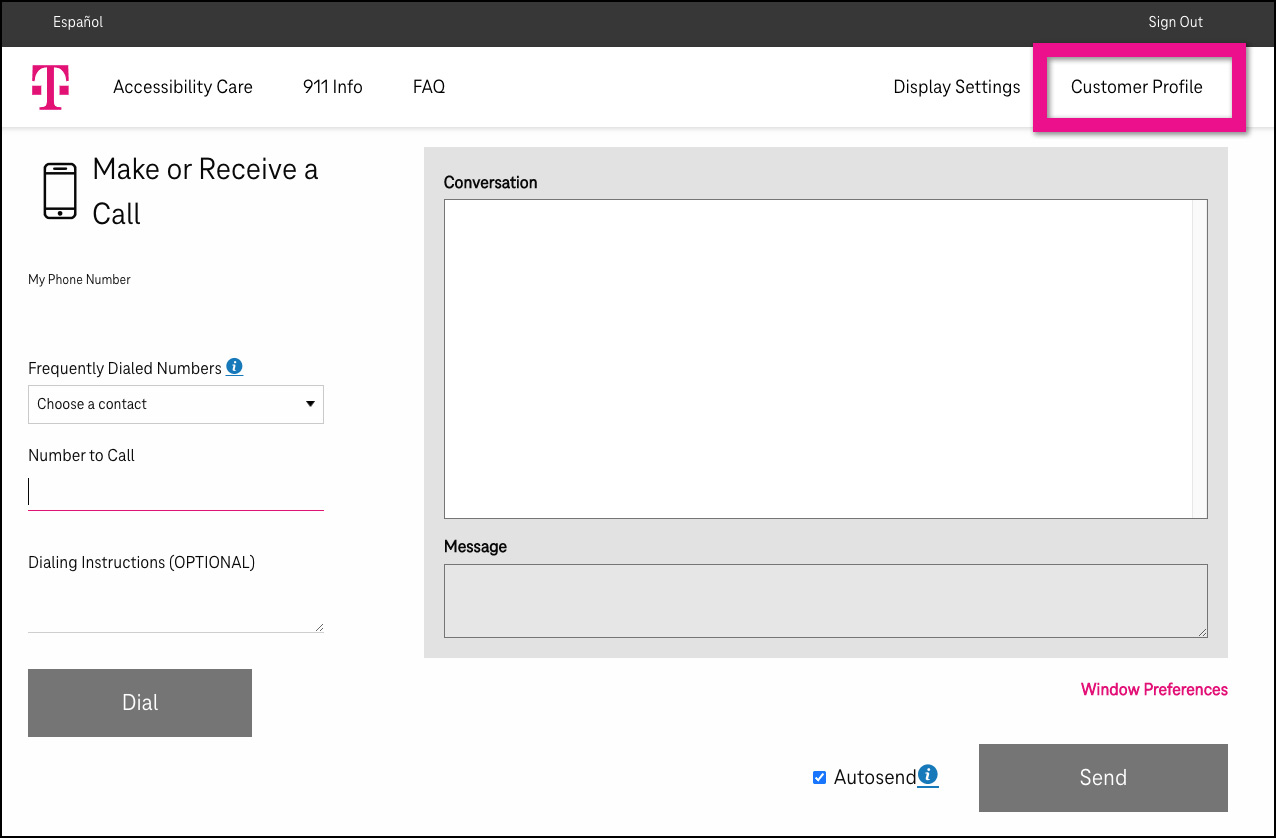
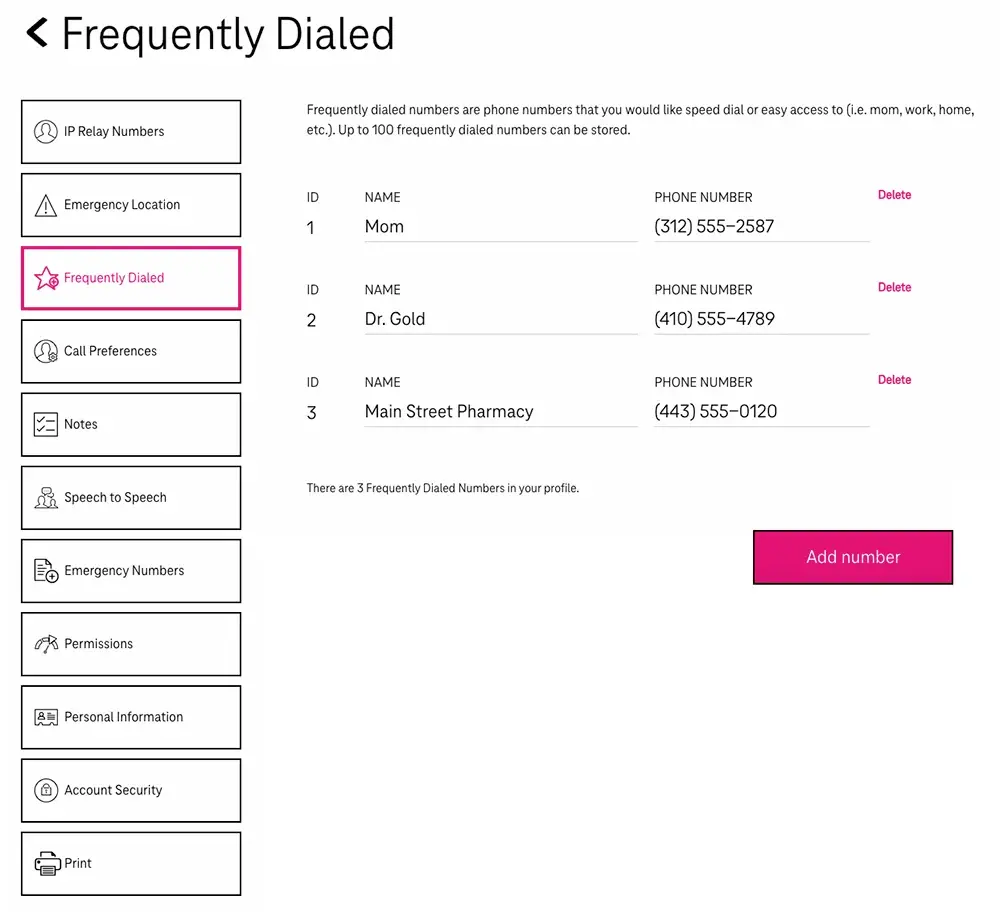
Get Started With The Customer Profile
The Customer Profile helps relay operators understand your unique communication needs, so every call is smoother, faster, and fits your call preferences. It ensures you’re met with support the moment you connect—no repeating, no barriers, just communication that works for you.

Contact our team
Our dedicated team is here for you 24/7. Whether you need expert guidance, have questions about our services, or simply want to share your feedback, count on us for helpful support at any time.